Lodestar Trail

Find your way home, and anywhere else
A navigation mod for Minecraft.
 The field guide
Never lose your way again.
- Getting startedOpen Lodestar, set home and choose where to go.
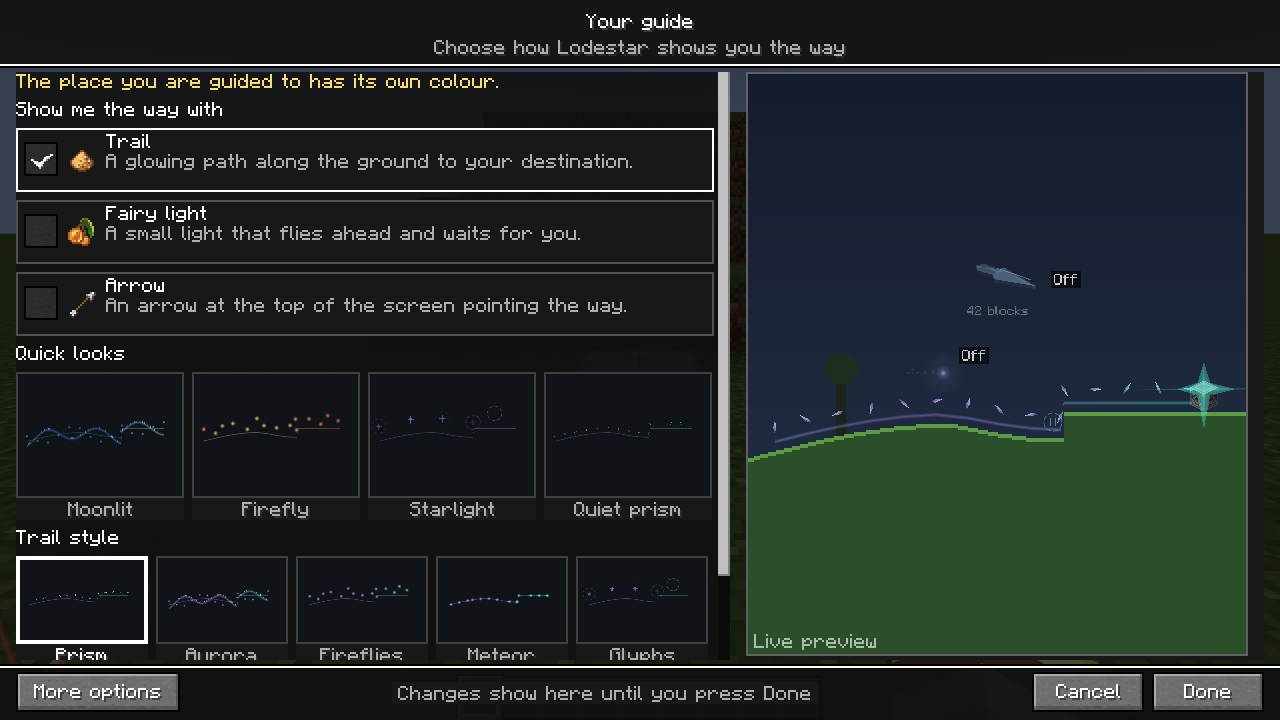
- Your guideTrail, fairy light or arrow, and how they look.
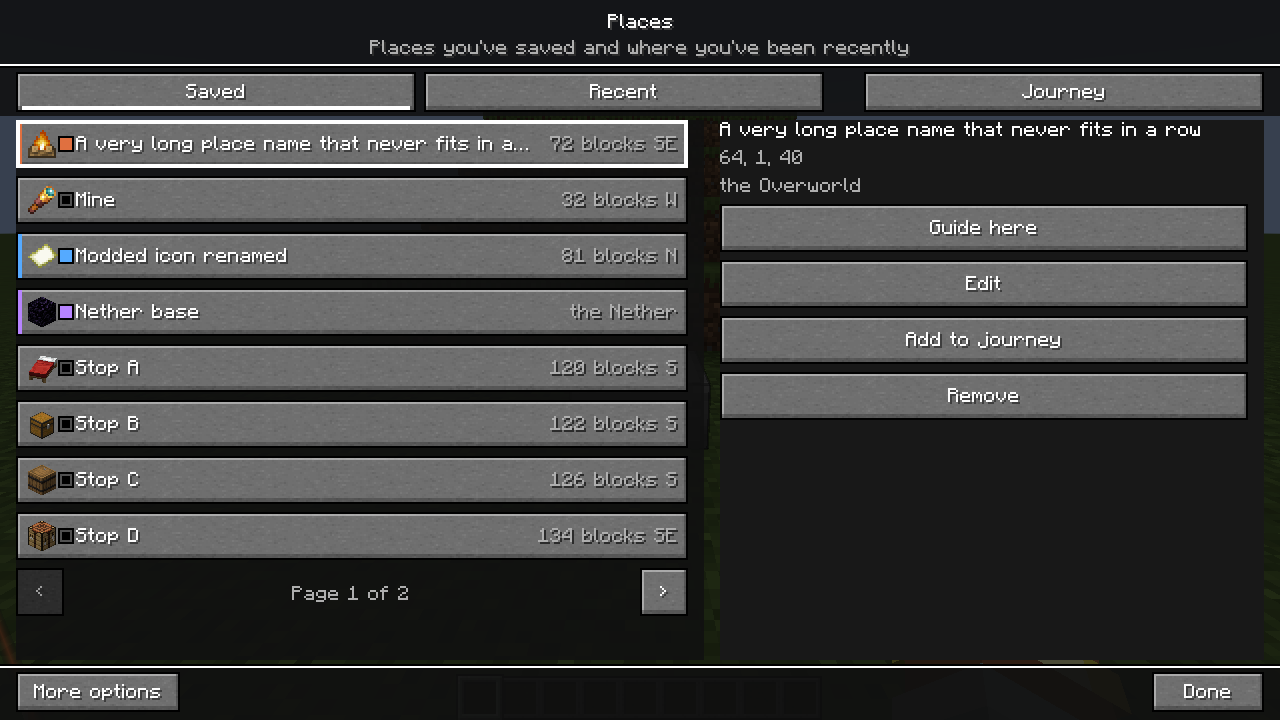
- PlacesSave places with an icon and colour, then guide to them.
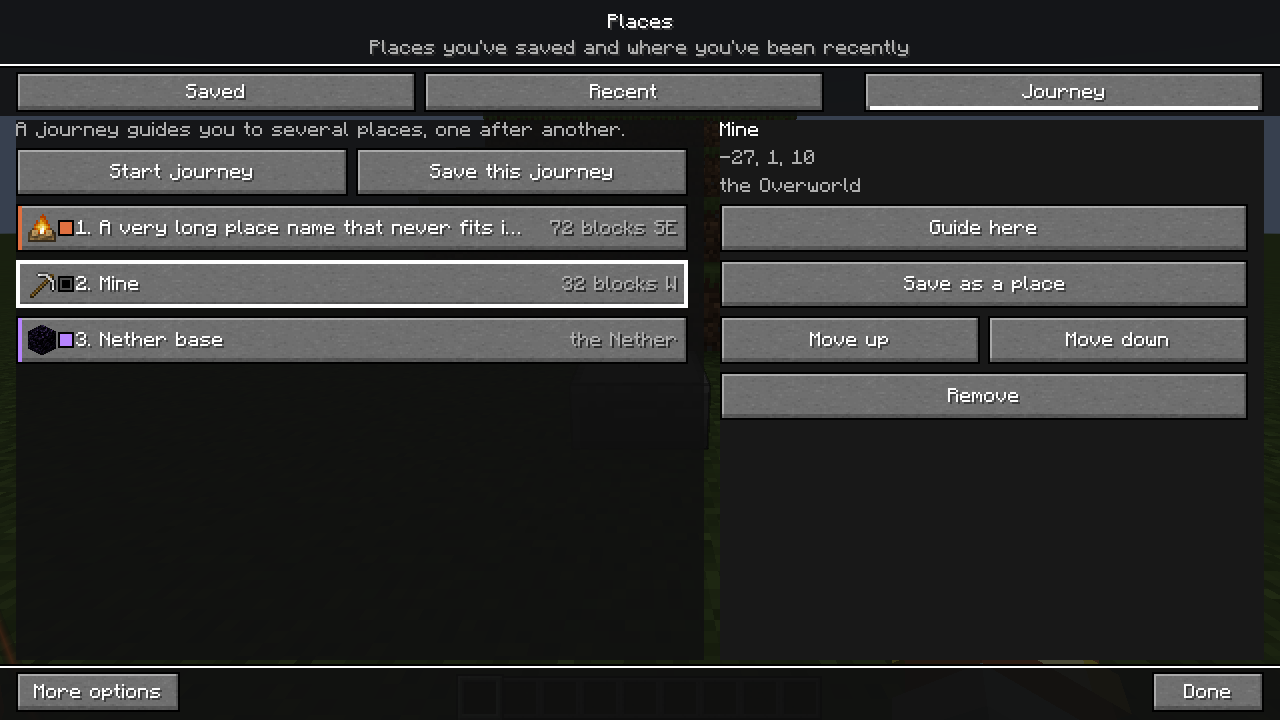
- Journeys and share codesVisit several stops in order and share them with friends.
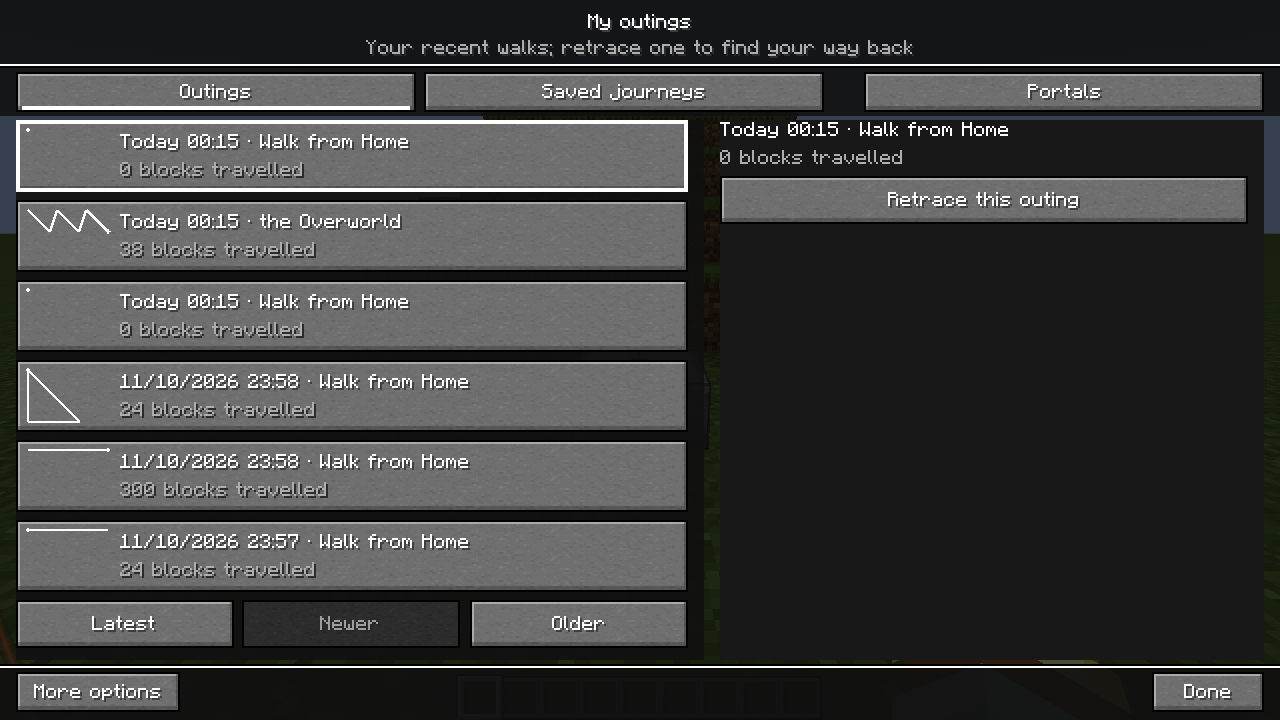
- My outingsYour walks are remembered, so you can retrace your steps.
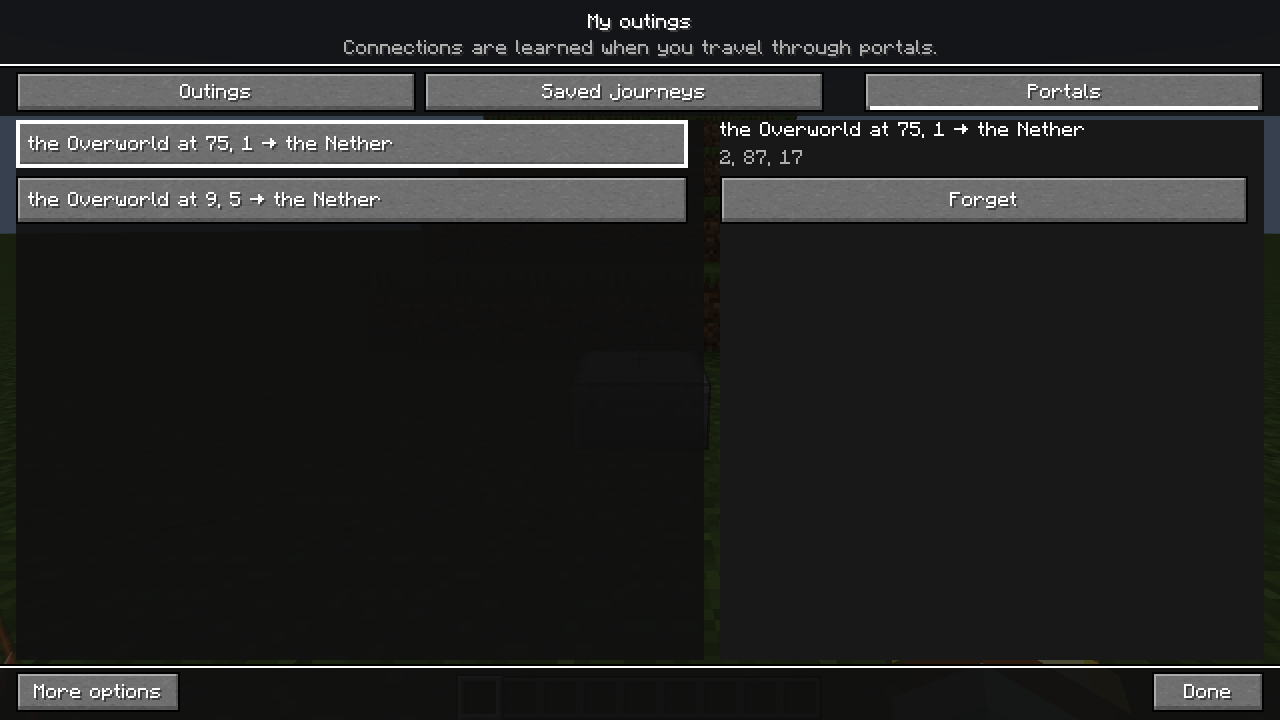
- PortalsGuidance across dimensions through portals you have used.
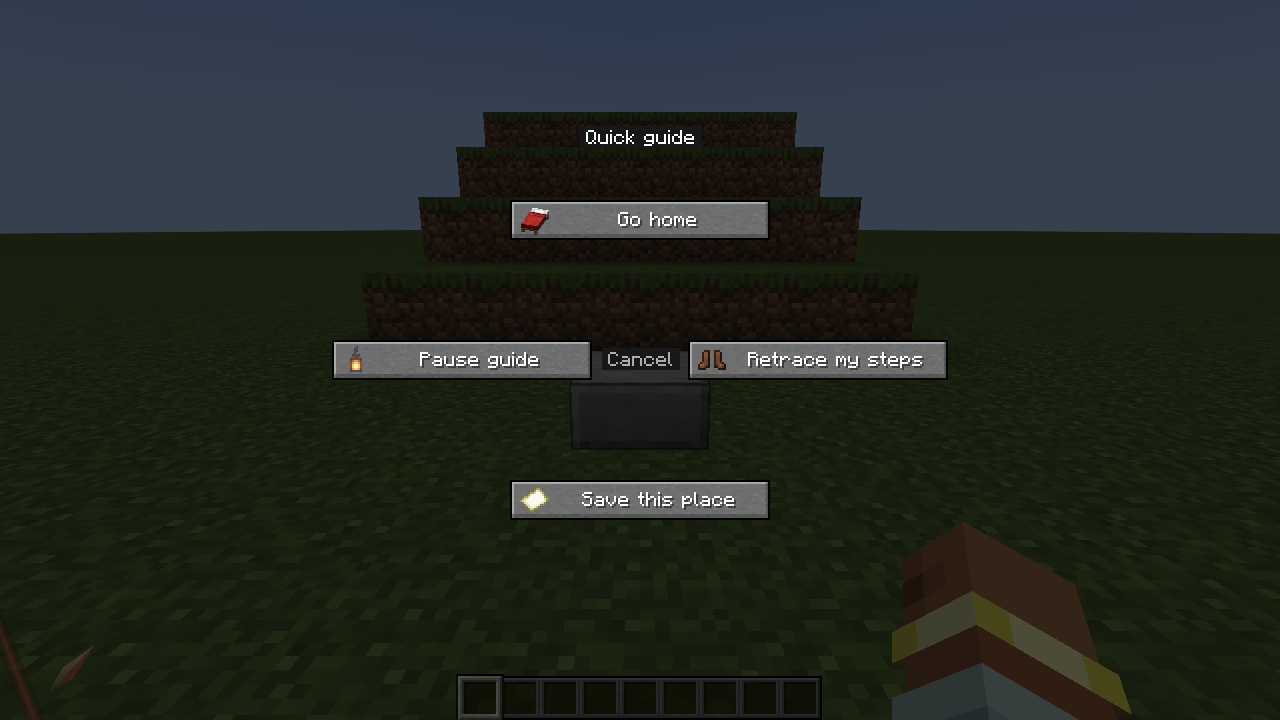
- Quick guide and keysHold one key for Home, Retrace, Save or Pause.
- SettingsEvery option, from colours to trail length.
- Troubleshooting and limitsWhat the guide can and cannot do.
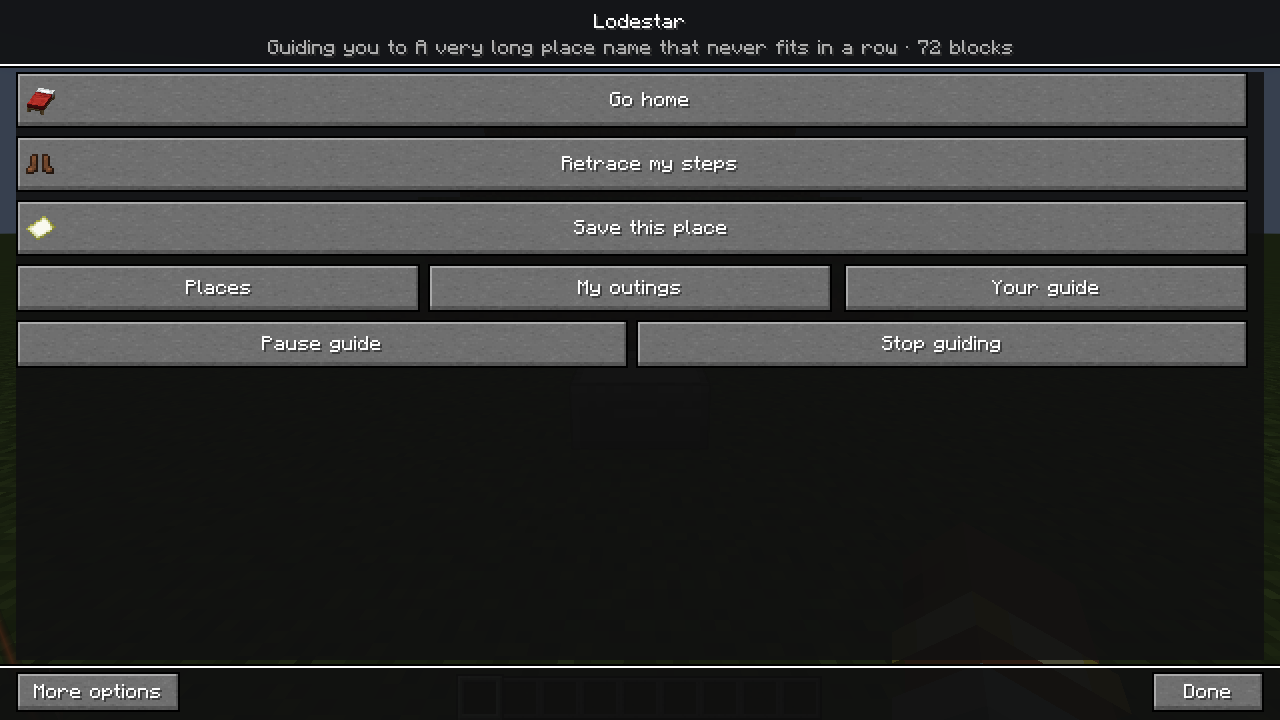
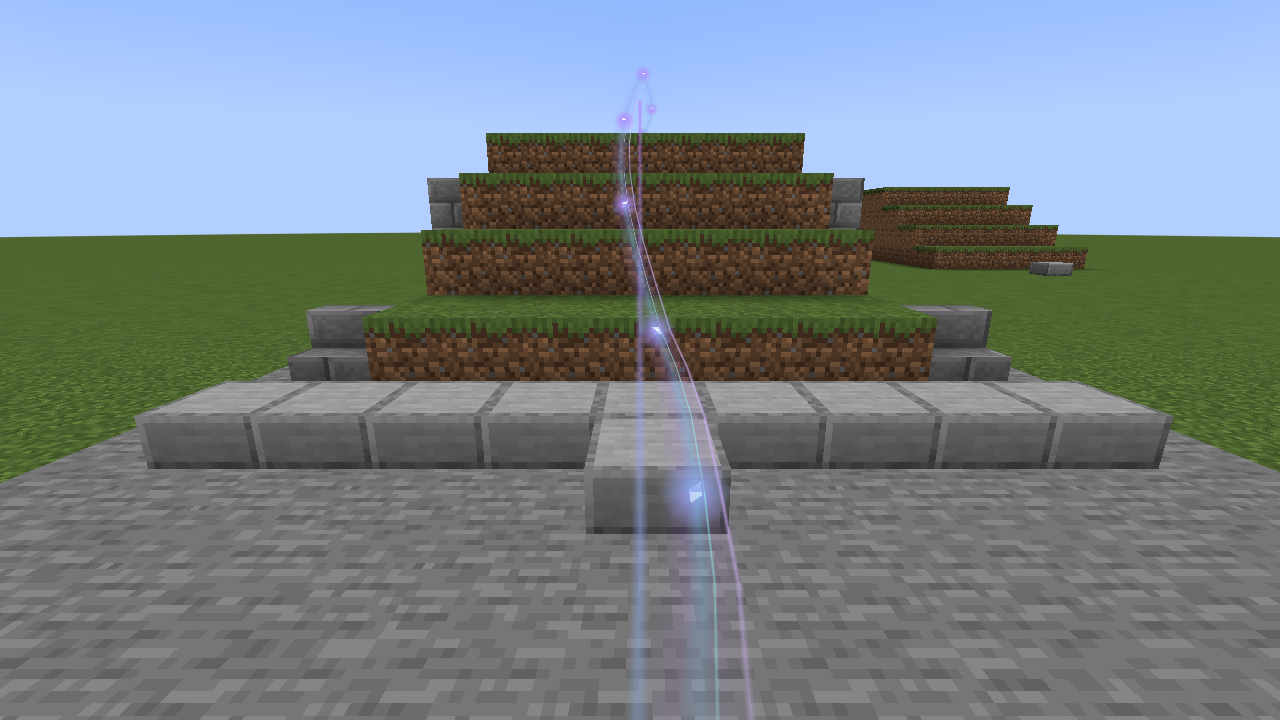
The first five minutes
From the pause menu to your front door.
- Press Esc, then the starThe Lodestar button sits beside the pause menu buttons.
- Set home hereLodestar can always lead you back.
- Save this placeName it, pick an icon and a colour.
- Choose a destinationPick a place and press Guide here.
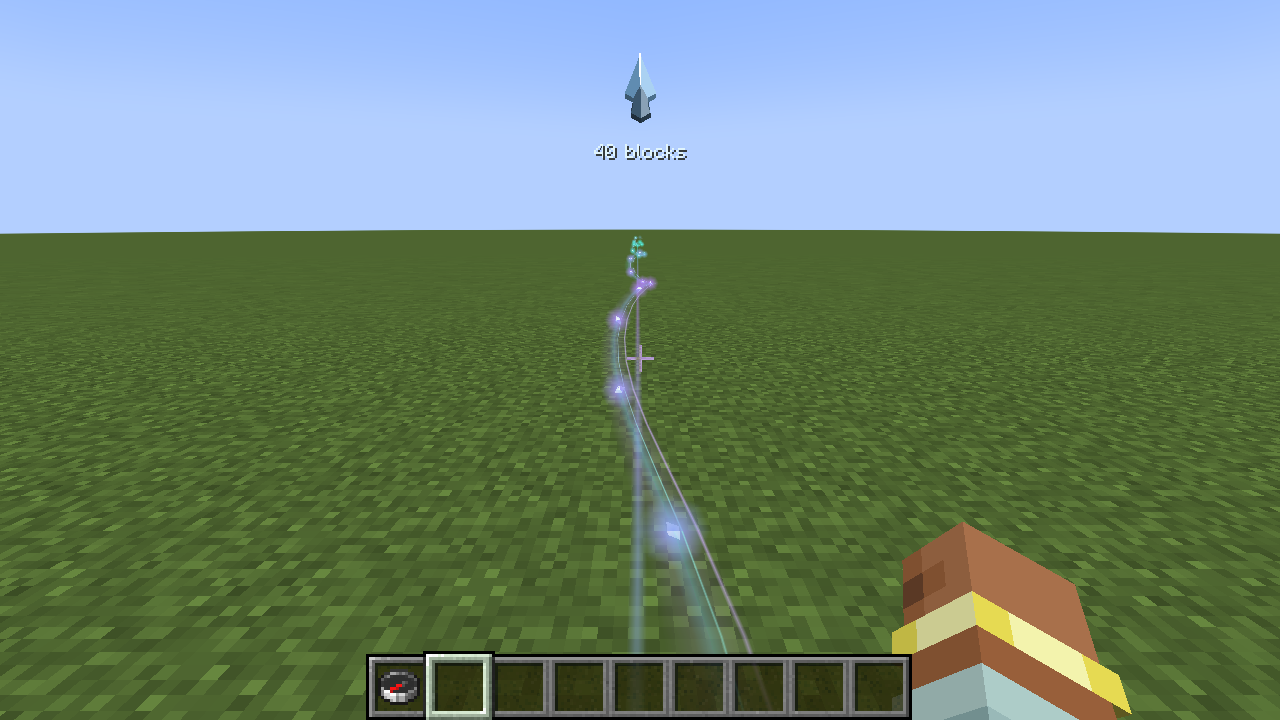
Your guide
A trail, a fairy light, an arrow, or all three
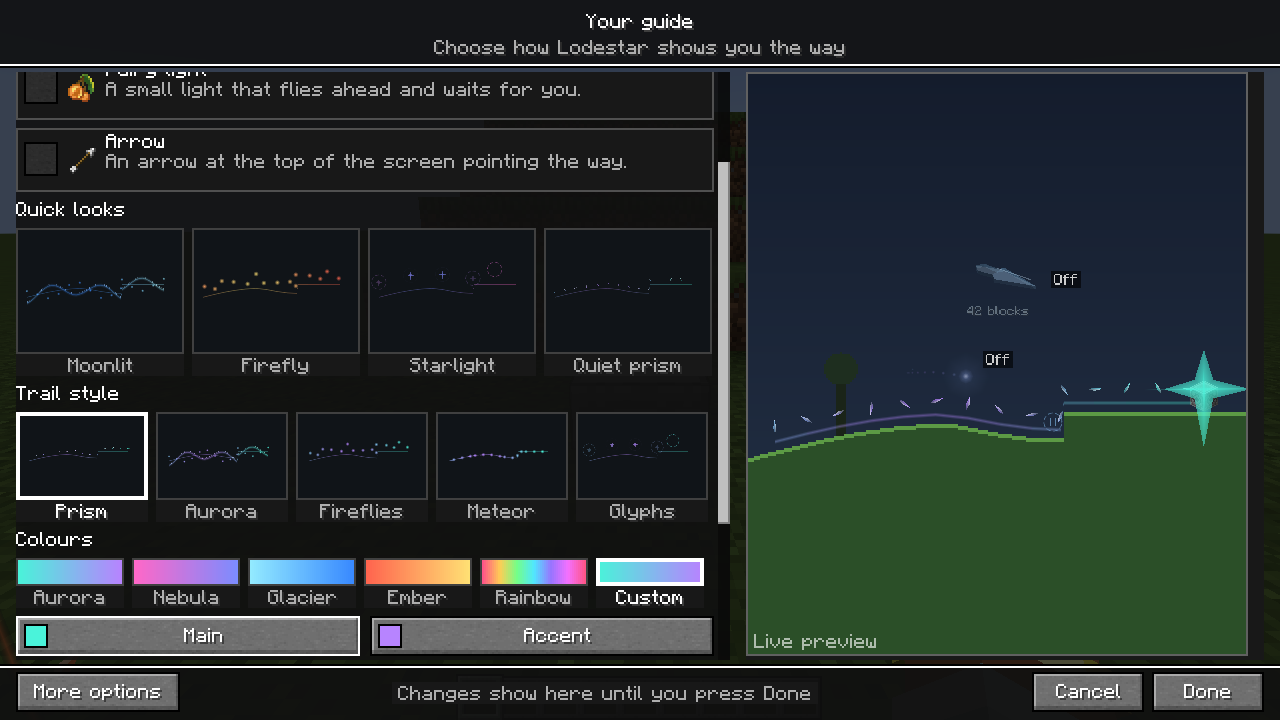
Tick the guides you like. Pick a quick look, a trail style and colours, and watch the live preview change as you choose.
Choose your guide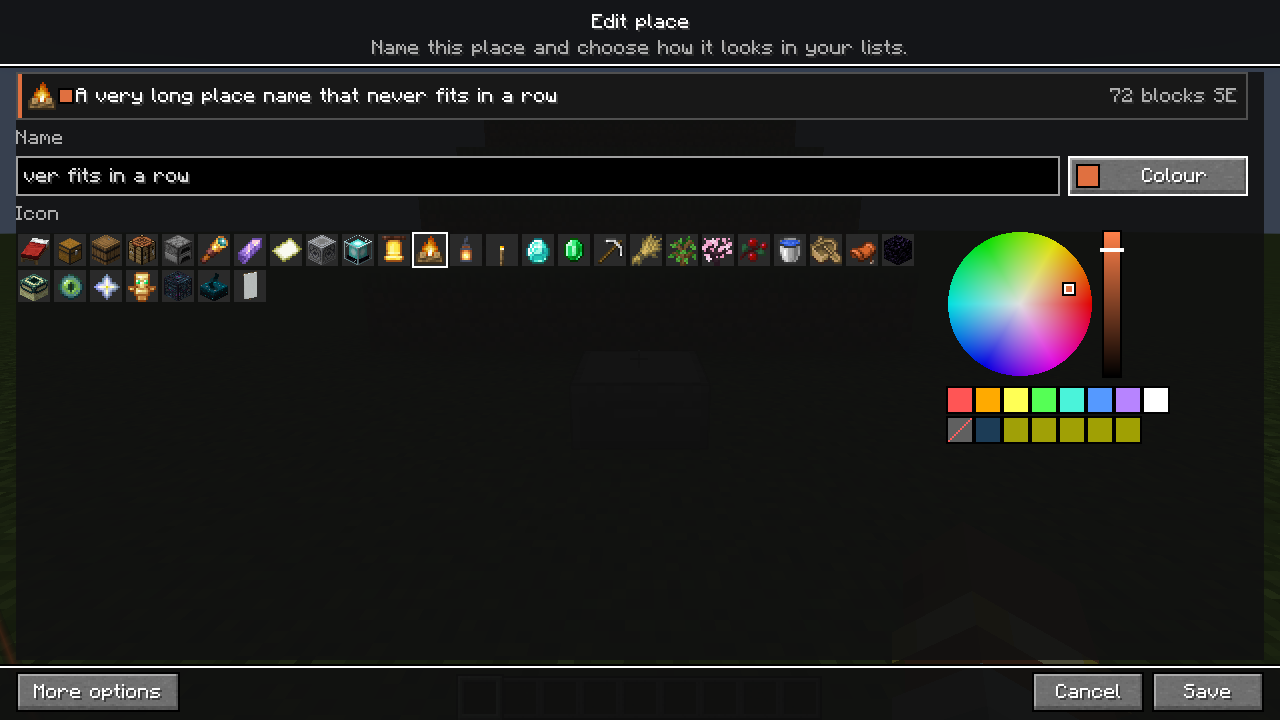
Places
Save the places that matter
Your base, a mine, a village far away. Give each one a name, a Minecraft item icon and a colour, then let Lodestar guide you back.
Save a placeClient only
Just for you.
Lodestar runs on your own game. It works in singleplayer and on servers that do not have it, and it never changes the world.
Install itSave a place. Set home. Follow the light.